What is a digital wallet, and how does it work?

As technology continues to evolve, devices like smartphones, smartwatches, laptops and tablets have become helpful for completing a range of everyday tasks with just a few clicks or taps. And that includes making purchases without needing your physical credit card. One way to do this is by using a digital wallet.
Learn more about what digital wallets are, how they work and how they can simplify your money management.
What you’ll learn:
-
Digital wallets are electronic versions of your physical wallet, and they allow you to pay for things without using physical cards or cash.
-
Popular digital wallets include Paze®, Google Wallet™, Apple Wallet® and PayPal®, among others.
-
You can use your digital wallet to pay in stores, online and within apps for convenience wherever you shop.
-
Capital One users can link their credit card or debit card to their digital wallets to make on-the-go purchases with ease using the Capital One Mobile app.

What is a digital wallet?
Digital wallets are apps or online services that allow you to store payment information for making purchases electronically. You may access a digital wallet on your phone, laptop or other compatible electronic devices.
In addition to payment cards like debit cards and credit cards, your digital wallet can often store other items, such as loyalty cards, gift cards or concert and airline tickets. This makes it easier for you to access funds and information when you need them. Plus, it can eliminate the clutter of several plastic cards and speed up transactions with a simple tap, click or swipe of your finger.
Digital wallet vs. mobile wallet
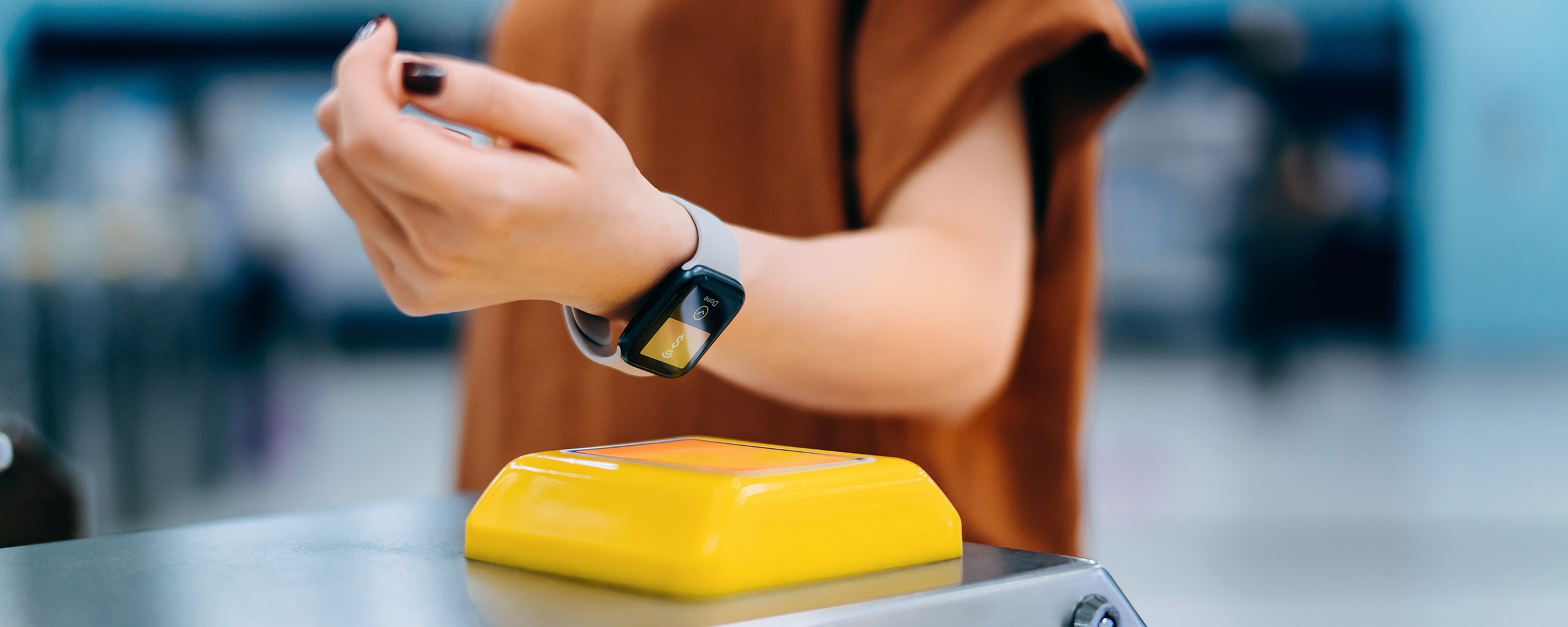
The terms “digital wallet” and “mobile wallet” are often used interchangeably, but they are slightly different. Digital wallet is an umbrella term that includes mobile wallets. A mobile wallet is a type of digital wallet that’s linked to a mobile device, like your smartphone or smartwatch. You can use mobile wallets to make contactless in-store purchases at a store’s checkout.
Digital wallet examples
There are many different types of digital wallets available, with varying features and transaction capabilities. A few examples of common digital wallets include:
Be sure to check compatibility with your devices when figuring out which wallet makes the most sense for your digital money management journey.
How do digital wallets work?
Digital wallets work using technologies that are built into your mobile device. For instance, you might start a transaction in one of the following ways:
- Using near-field communication (NFC): NFC payments work using electromagnetic waves that transmit data when two devices, such as your mobile device and a store’s point of sale (POS) at checkout, are close together.
- Scanning a QR code: A QR code is a type of barcode that you can scan using your device’s camera. The code stores data that, when scanned, will launch the payment process.
How to use a digital wallet
You can use a digital wallet to make electronic purchases once you’ve added a payment method to it. Here’s a look at how to use a digital wallet in a few different scenarios:
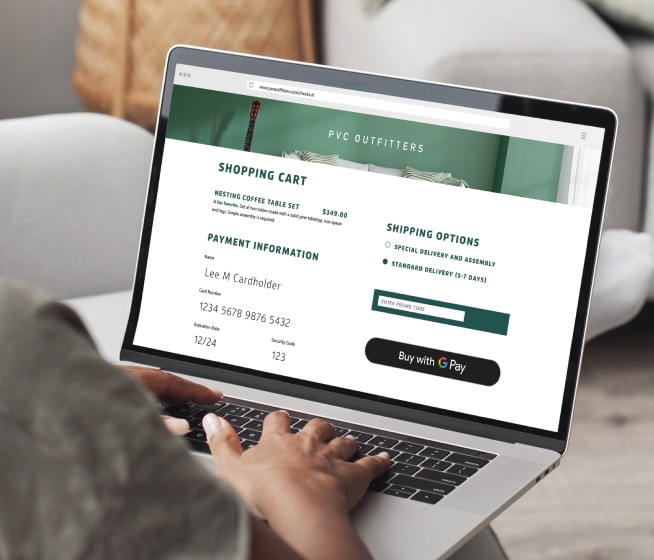
- Online: When shopping online, just look for the option to pay with your digital wallet at checkout. Digital wallets can automatically fill in your payment information for you. This way, you don’t have to manually enter your card number each time, and you can check out in just a few clicks.
- On the go: Many retailers now have updated payment terminals that support contactless payments. When you’re out shopping, you can tap to pay with most mobile wallets by holding your device near a terminal with the contactless transaction symbol. The symbol looks like a sideways Wi-Fi symbol.
- In apps: Use your digital wallet for easier and more secure in-app purchases. Like shopping online, just look for your digital wallet logo at checkout.
- At ATMs: You might also be able to use your mobile wallet to get cash without a card at some ATMs. If you see the contactless symbol on the ATM, you may be able to tap your mobile device instead of inserting a physical card.
To complete a transaction with a digital wallet, you might be required to provide a passcode or authenticate the transaction through fingerprint or facial recognition. For nonmobile digital wallets (shopping from a laptop), you might be prompted to sign in or provide a password.
Are digital wallets safe?
Yes, digital wallets are generally safe, as they use some of the latest security technologies to help keep your information safe and prevent both identity theft and credit card fraud. These features include:
- Tokenization: Digital wallets use tokenization to help protect your card information. This means they create unique tokens that replace your actual credit card number. Because you’re only sharing tokenized card details, retailers don’t have access to your actual card number, making it more difficult for fraudsters to view or use your financial information.
- Mobile device security features: Mobile wallet apps combine the safety features of the wallet with those of your phone or other device. This includes two-factor authentication (2FA), PINs, screen locks and biometric authentication such as Face ID or fingerprint ID.
How to make digital wallets safer
Setting up additional security, like fingerprint ID and password protection on your devices, can help make your digital wallets more secure.
As with other forms of payment, digital wallets could be susceptible to fraud and scams. It’s important to use strong passwords and change them regularly, monitor your accounts, avoid making transactions on unsecured Wi-Fi networks and enable all the safety options mentioned previously.
Advantages and disadvantages of digital wallets
There are several potential pros and cons of using a digital wallet.
Advantages
Some benefits of digital wallets include:
- Security: Card information stored in digital wallets is encrypted and protected, and card numbers are tokenized for extra protection. Plus, with a digital wallet, you can add extra layers of security like 2FA, facial recognition and fingerprint scanning to access your wallet and authorize transactions.
- Convenience: Once they’re added to your digital wallet, you can access credit cards, gift cards, tickets and more from the app, even when you don’t have your physical wallet.
- Contactless payment: With a mobile wallet, you can use your smartphone, smartwatch or tablet to make payments without a physical card at stores that support contactless payments.
- Quicker transactions: Making purchases with your digital wallet can save time since you won’t have to dig through your wallet for a physical card.
Potential disadvantages
Some potential disadvantages to consider include:
- Not always compatible or accepted: Mobile wallet payments may not be an accepted form of payment at every vendor or store you visit.
- Must know how to set up and use: If you’re not comfortable setting up your digital wallet and adding cards to the app, it can be difficult to get your digital wallet up and running. But Capital One cardholders can easily add eligible cards to certain digital wallets through the Capital One Mobile app or follow the steps for your digital wallet on the Capital One Digital Payments page.
- Increased security risk if you lose your phone: If your phone gets stolen or you lose it, your digital wallet may not be as secure if your phone isn’t password protected and you don’t have 2FA enabled for your digital and mobile wallet apps. If you’re worried your payment information is compromised, you can take the same steps you would for a lost or stolen wallet.
Other contactless payment options
Keep in mind that there are other contactless and digital payment methods to consider alongside digital wallets, such as virtual cards and contactless credit and debit cards.
Many of Capital One’s U.S.-issued credit cards and debit cards feature contactless technology. These include popular credit cards like Savor, Quicksilver, QuicksilverOne and Platinum, as well as 360 Checking debit cards.
Digital wallet FAQ
Still have lingering questions? Here are answers to a few commonly asked questions.
How do I set up a digital wallet?
To set up a digital wallet, you typically create an account online or, if using a mobile wallet, download the app to your device and then add your payment methods before making purchases. But different types of digital wallets may have different setup processes.
Capital One cardholders can add their eligible cards in one convenient place from the Capital One Mobile app.
Are digital wallets free?
Yes, most digital wallets are free to use. But some digital wallets may incorporate other features that have potential for fees. For instance, digital wallets with P2P capabilities may charge fees for certain types of transactions, such as instant or international transfers.
Key takeaways: Digital wallets
Digital wallets can be quicker and more secure than using physical cards or cash at checkout. Plus, you can set up your digital wallet and link your Capital One debit or credit cards in a few easy steps—making payments safer, faster and more convenient.
Ready to take advantage of the convenience and security that digital wallets provide? Explore more about Capital One’s digital wallets and payment apps.