How to use a virtual card from Capital One
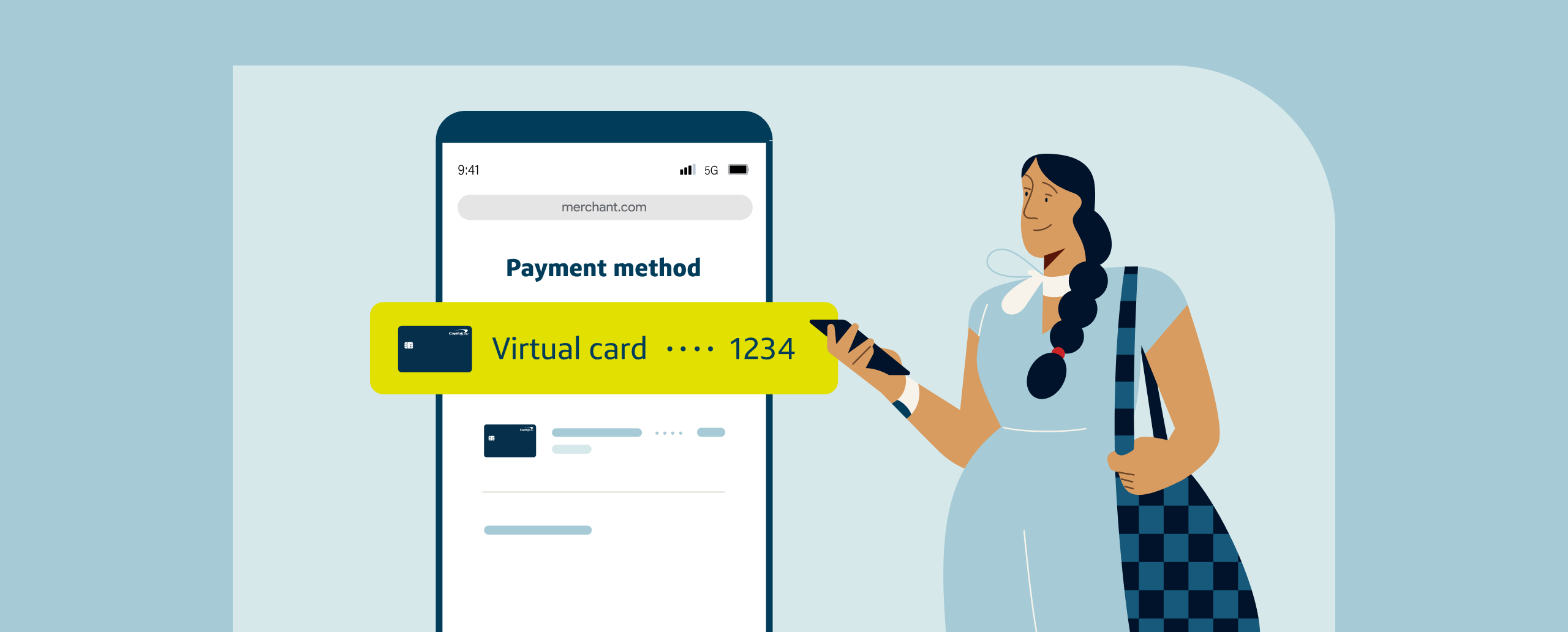
You may already be familiar with the concept of a virtual card—a randomly generated credit card number that’s linked to your account. Using a virtual card, you can make purchases online without sharing your physical credit card number with merchants, which can help protect your account information from falling into the wrong hands.
As a Capital One cardholder, you may be eligible to use virtual cards to shop online. Use this guide to learn more about how to set up and use virtual cards from Capital One.
What you’ll learn:
-
Eligible Capital One cardholders can access virtual cards in two ways: through the Capital One Mobile app or website or through Google Pay™ on Chrome and supported Android apps at checkout.
-
Using a virtual card from Capital One enables you to make online purchases without sharing your physical credit card number or having your physical card on hand.
-
Virtual cards provide speedy checkout when using Chrome’s autofill feature in your browser or in Android apps.
-
Virtual cards from Capital One earn rewards or cash back the same way your physical Capital One card does.

How to set up and use a virtual card from Capital One
If you have an eligible Capital One credit card, you can start using virtual cards in two different ways: by accessing your virtual card through the Capital One Mobile app or by shopping online on Google Chrome or in some Android apps.
Here’s a closer look at each method.
1. Access your virtual card through the Capital One Mobile app or website
To access your virtual card on the Capital One Mobile app, sign in and select Get Your Virtual Card—you’ll see this on the tile showing your balance for an eligible credit card account. You may need to verify your identity first. Then you can access your virtual card details, including the virtual card number, security code and expiration date.
You can also access your Capital One virtual card by signing in to your account online. New Capital One cardholders may be able to use their virtual card immediately after they’re approved, before their physical card arrives in the mail.
Capital One cardholders can access two types of virtual cards. The virtual card you access in the Capital One Mobile app or online is a general virtual card number that can be used with multiple merchants. Customers can also create multiple merchant-specific virtual cards, including virtual cards for one-time purchases.
How to use it: To make a purchase with your Capital One virtual card, use the virtual card number instead of your physical card’s number at checkout when shopping online.
2. Select your virtual card with autofill on Chrome and Android apps
For a faster and more convenient way to shop online, check out with autofill on Chrome and in supported Android apps. This lets you pay in just a few clicks instead of typing in your payment information. Your saved virtual cards are available when you check out with autofill on any device where you’re signed into Google—this includes your Chrome browser, Chrome for iOS and Android apps.
Virtual cards on Chrome and in Android apps are merchant specific, meaning each website you shop on has a designated virtual card number that can be used repeatedly only at that merchant’s website. You can have multiple merchant-specific virtual cards at the same time.
How to use it: After you’ve added your Capital One credit card to your Google Wallet™, you can choose to pay with a virtual card when you check out through your Chrome browser or in Android apps. Just select the virtual card option from the drop-down menu, and your virtual card details will be automatically filled in.
Benefits of using virtual cards from Capital One
Here are a few of the benefits of shopping online with virtual cards from Capital One.
-
Added security: When you use a virtual card number to check out online, your physical card number is replaced with a unique number called a token. That means merchants—and potential fraudsters—don’t see your physical card number.
-
Convenience: Virtual cards from Capital One allow you to make purchases without your physical credit card on hand. Plus, they continue to work even if your physical credit card number changes. As a new credit card customer, you may be able to start shopping online and earning rewards with your virtual card as soon as you’re approved, without having to wait for your physical card to arrive in the mail. This includes working toward early spend bonuses.
-
The same card benefits: When you use a virtual card that’s linked to your Capital One credit card account, you’ll enjoy the same card benefits you normally would, such as earning cash back or miles on qualifying purchases.
-
Quick checkouts: If you use a virtual card on Chrome or in some Android apps, your virtual card number is automatically filled in for faster checkout.
-
Controlled spending: You can lock individual virtual cards at any time without impacting your physical card, create virtual cards for single-use purchases or create merchant-specific virtual cards for subscriptions and recurring payments.
Using a virtual card from Capital One FAQ
Still have questions about using virtual cards? Here are answers to a few commonly asked questions.
Can I use a virtual card from Capital One in stores?
Virtual cards work in stores as long as merchants can manually enter the card number into their payment system—the main difference is that virtual cards can’t be swiped like physical cards can.
Another way to pay with your Capital One credit card in stores is by using other digital payment options—consider adding your credit card to a compatible mobile wallet. Like virtual cards, mobile wallets protect your credit card number with encryption and tokenization. So when you use a mobile wallet to tap to pay in stores, you won’t be sharing your physical Capital One card number.
Can you use a Capital One virtual card right away?
If you’re a new Capital One cardholder and haven’t received your physical credit card in the mail yet, you may be able to access your virtual card through the Capital One Mobile app to start making purchases and earning cash back rewards or miles immediately.
Why can’t I see my virtual card on the Capital One Mobile app or website?
Some Capital One cards and card users may not be eligible for virtual cards—for instance, certain retail cards or authorized users.
Key takeaways: How to use a virtual card from Capital One
To use a virtual card from Capital One, just enter its number as your payment method when checking out online. Or if your Capital One card is saved to your Google Wallet, select the virtual card option when checking out on Chrome or in supported Android apps.
Shopping with virtual cards comes with several benefits, including flexible spend control, convenience and added security. Get started with virtual cards from Capital One today.