Get better control over your spend with virtual cards
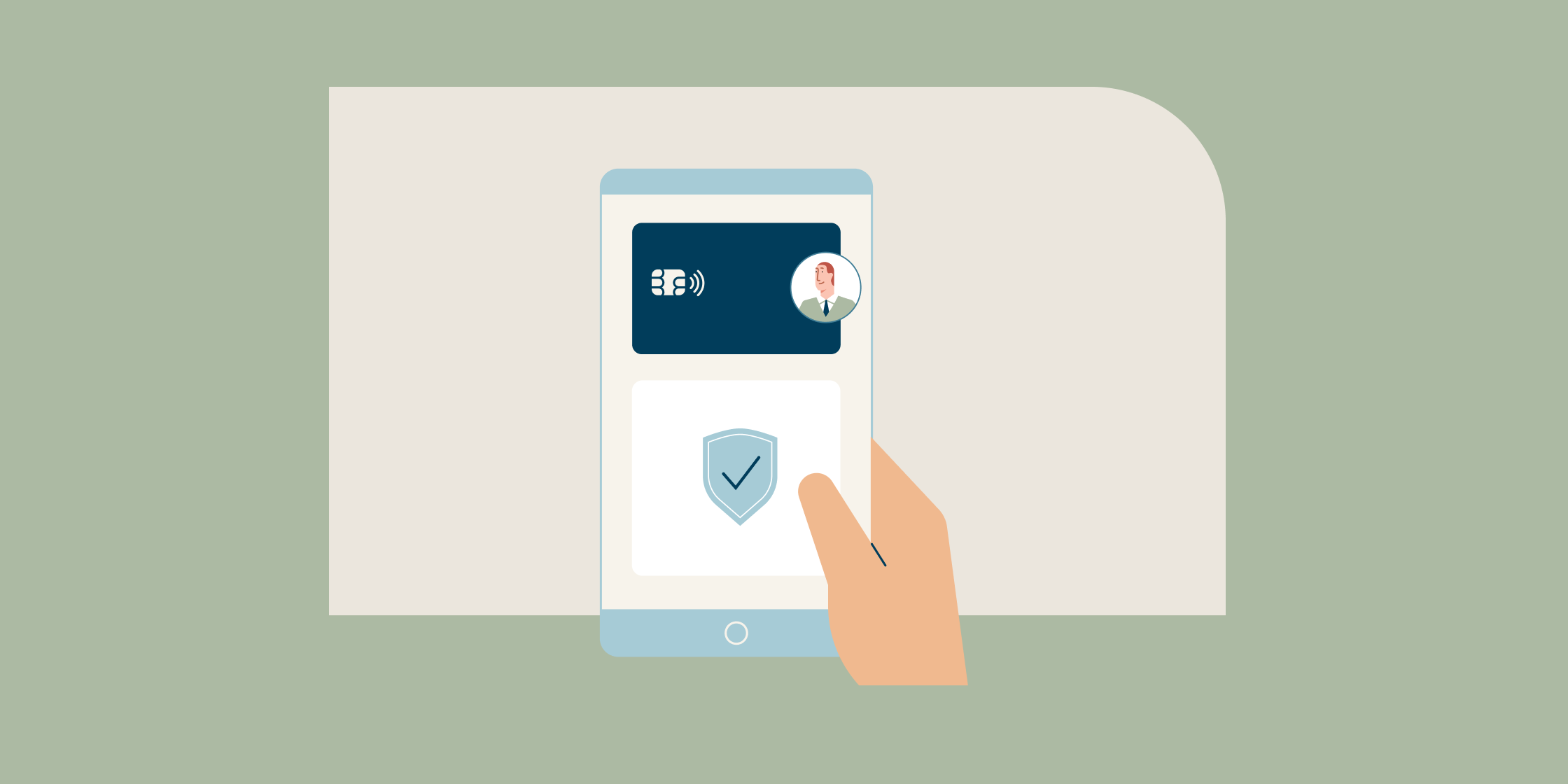
Virtual business cards from Capital One Business offer a convenient way to keep your purchases more secure and organized than a physical card alone. Create virtual cards whenever you need them—each virtual card is a unique card number linked to your account, allowing you to make purchases and earn rewards online while protecting you from fraud.
Read on to learn more about Capital One virtual cards.
What you’ll learn:
-
Virtual cards are unique credit card numbers linked to your Capital One Business credit card account that you can use to make payments.
-
Virtual cards can help you control spending by letting you set up cards that are only valid for a limited time or a specific merchant. Plus, you can lock individual virtual cards at any time.
-
Virtual cards can be used to make safer merchant payments, protecting you from fraud.
-
You can set up virtual cards by logging in to your Capital One Business account online. Create a login here if you don’t already have one.
-
For eligible accounts, account managers can also set up and use virtual cards. Authorized users can use existing virtual cards but can’t create new ones.

What are virtual cards from Capital One Business?
Capital One virtual cards are unique, digitally generated 16-digit numbers tied to your physical credit card. They act as an extension of your existing business account rather than as a new account.
Virtual cards also improve your company’s security by letting you make purchases without exposing your primary card number. If your physical card is ever compromised, your virtual card numbers can remain active, helping your business run without interruption.
How do virtual cards help control spending?
Capital One virtual cards help safeguard your business’s bottom line by giving you control over your transactions. By taking a proactive approach to managing your active cards—like locking or deleting a card after a transaction is complete or a subscription ends—you can stop unwanted charges in their tracks and maintain a tighter grip on your overall cash flow.
Here are a few ways virtual cards from Capital One can help you manage your business spending.
One-time use
You can create a virtual card number for a single transaction. Once the purchase is complete, the card is automatically locked.
Auto-lock after certain dates
Set up your virtual cards to work for a limited period of time, and they will automatically lock when that time is up—without locking your physical card or any other virtual cards.
Merchant-specific use
Create dedicated virtual cards tied to a single merchant for your authorized users. Because these cards will only work at the designated merchant, it’s an easy way to empower your team to make necessary purchases while maintaining control over where your company’s money is spent.
How do virtual cards protect you from fraud?
Because you can generate unique virtual cards as needed, you can use them for specific online or over-the-phone purchases while keeping your physical card number secure. You can also create unique virtual cards for each merchant. If the virtual card number is compromised with a specific merchant, it can’t be used anywhere else. Setting spending limits and expiration dates on these cards further reduces the risk of misuse.
When working with a new merchant—or one with fewer security measures in place—a virtual card provides peace of mind. You can lock or delete the virtual card immediately after using it to reduce the risk of fraud.
If your physical business credit card is lost or stolen, your associated virtual card numbers may remain active.
Who has access to virtual cards?
If eligible, the primary cardholder or account manager can create, lock, unlock and delete virtual cards for themselves and authorized users. Specific permissions for creating, viewing and managing virtual cards may vary based on your account and user role.
Once given access, authorized users can manage the specific virtual cards created for them—but the primary cardholder or account manager ultimately controls where employees can spend money and for how long. They also have the option to pause spending on employee virtual cards without interrupting other payments.
For added security, only the specific virtual cardholder—whether that’s the primary cardholder, the account manager or an authorized user—can view the full 16-digit virtual card number.
How can I get a virtual credit card number?
Here’s how to get started using virtual cards with your Capital One Business account.
-
Log in to your account online and select “Get your Virtual Card” on your card tile.
-
Access your virtual card by clicking the “View” button.
-
Alternatively, click “Create Virtual Card” (on web) or “Create for a specific store” (on mobile) to generate a merchant-specific virtual card.
-
If you’re the primary cardholder or account manager on the account, you will be able to select what user to assign the virtual card to in the creation process.
-
Click on “Virtual Card manager” to lock, unlock or delete virtual cards.
-
Use your virtual cards online or by phone with specific merchants.
Key takeaways
Virtual cards help businesses make purchases more securely while simplifying expense management and merchant payments. With features like merchant-specific card numbers, spending controls and the ability to lock or delete cards as needed, virtual cards offer added flexibility and fraud protection without interrupting day-to-day operations.
Learn more about the benefits Capital One Business virtual cards can offer your business today.