
The Google Pay experience

Peace of mind
With added security, Google Pay is safer than swiping your card or paying with cash.
Convenience
Your cards are stored in Google Wallet™—no physical card needed.

Speed
With just a few taps, pay anywhere you see the Google Pay or contactless symbols.
HOW TO ADD YOUR CARD TO GOOGLE WALLET
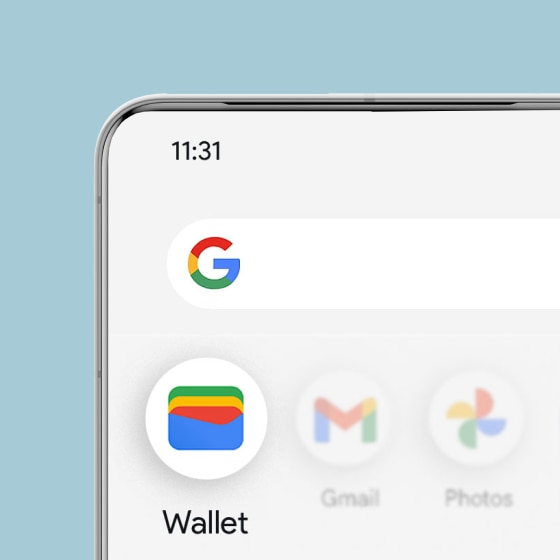
Step 1
Open the Google Wallet app
To use Google Pay on your phone, first add your card to Google Wallet. If it’s not already on your phone, download the app.
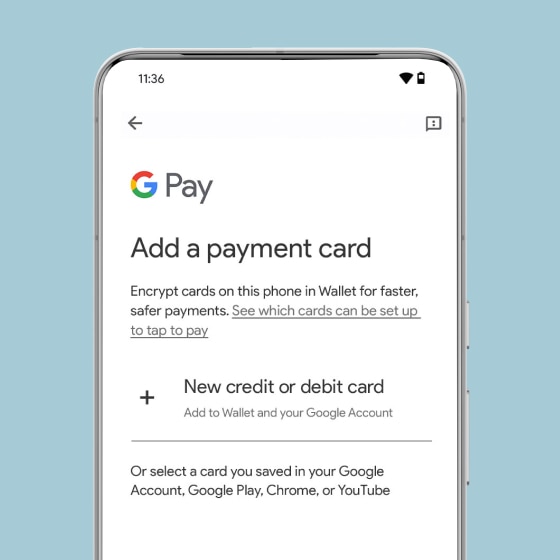
Step 2
Add your Capital One card
Tap “Add to Wallet+,” then “Payment card.” Select “New credit or debit card,” and use the camera or enter the details manually.
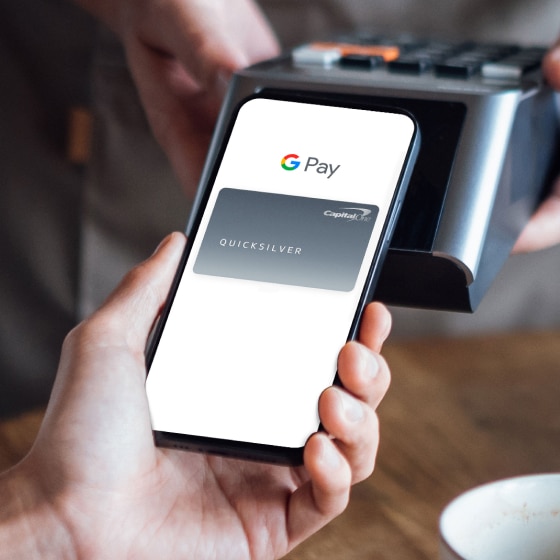
Step 3
Use Google Pay
on your phone
You’re all set to use Google Pay in apps, on websites and in stores anywhere you see the Google Pay or contactless symbols.
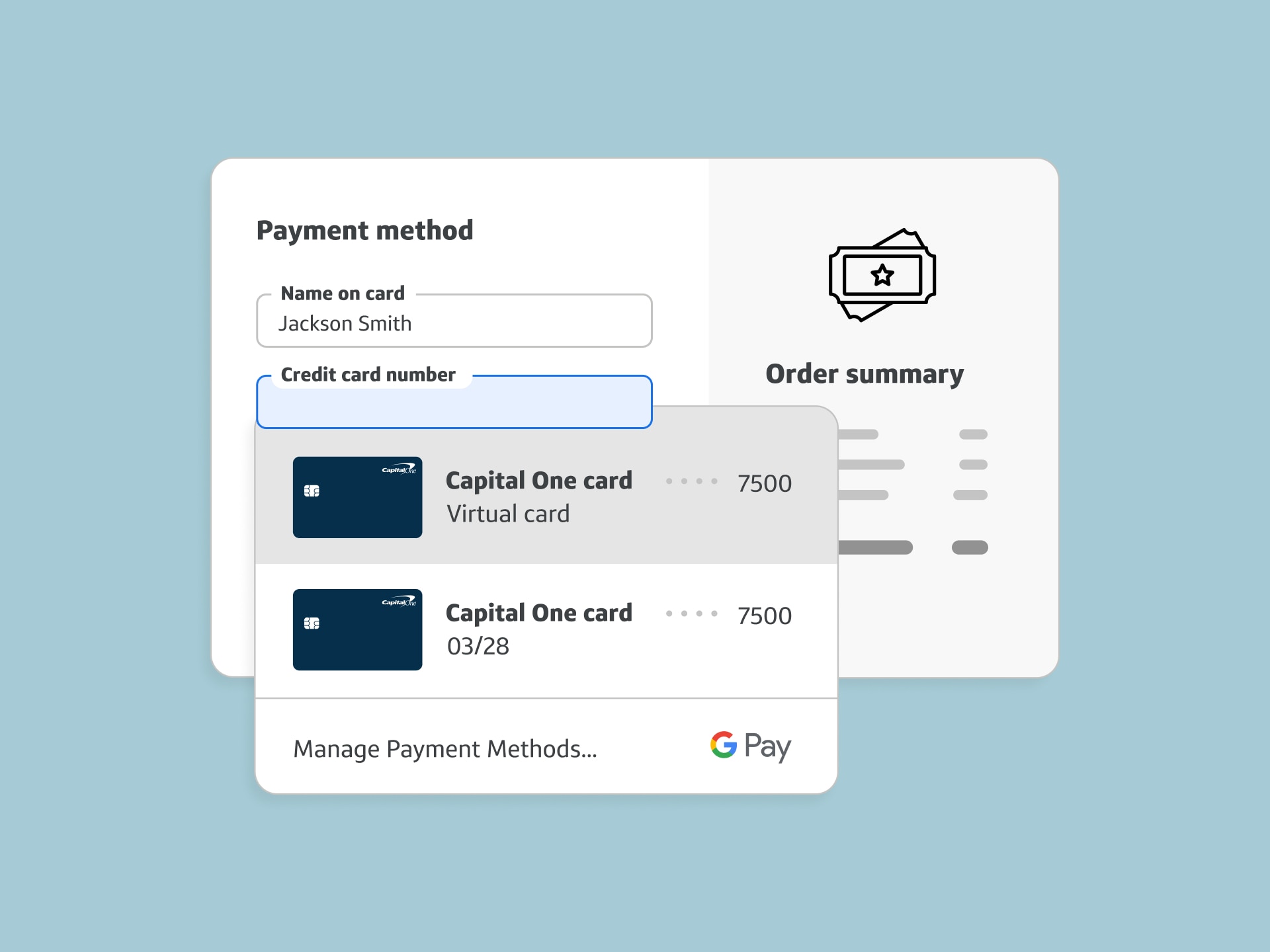
SHOP ONLINE WITH VIRTUAL CARDS
Added security with virtual cards
Virtual card numbers are unique numbers linked to your credit card account that allow you to shop online without exposing your actual card number.
After adding an eligible Capital One card to Google Pay, you’ll unlock the option to pay with a virtual card when shopping on Chrome or in Android apps.
Frequently asked questions
What is Google Pay?
Google Pay is a faster, safer and easier way to pay. Speed through online checkouts with just a click and breeze through in-person checkouts with just your phone. And with your cards saved securely in Google Wallet, you can feel confident shopping anywhere.
What is the difference between Google Pay and Google Wallet?
Google Pay is a digital payment method that allows you to pay in stores and online with cards you’ve added to Google Wallet. After adding an eligible Capital One credit card to Google Wallet, you can also check out with virtual cards on Chrome and in Android apps on any device where you’re logged in to your Google Account. iOS users can also use virtual cards through Chrome for iOS.
Google Wallet is a digital wallet that lets you store everything in one place on your Android or Wear OS device such as payment cards, transit passes, tickets and more. You can use your Google Wallet to tap to pay anywhere you see the Google Pay or contactless symbols.
How do I use Google Pay?
You can add a card to Google Wallet online at wallet.google.com or to the Google Wallet app on your device. Then, follow the instructions in the app. Once your payment methods are added to Google Wallet, here’s how you can make payments with Google Pay:
-
Pay in store: Google Pay works anywhere contactless payments are accepted. Just unlock your Android device and hold it near the reader until you see a check mark.
-
Pay in apps and on the web: Use Google Pay to check out quickly across your favorite apps and sites. Once you save a card, you don’t need to enter your payment info again. Just choose Google Pay at checkout, confirm your purchase and you’re all set.
Which of my Capital One cards can I use with Google Pay?
Google Pay is currently available for most Capital One credit and debit cards. Some cards may be ineligible at this time (e.g. some partner cards, etc).