5 services that define the Snowflake AI data cloud
For years, data lakes and warehouses were the quiet engines of the enterprise. While efficient and neccessary infrastructure, they were largely invisible to business users. If you weren’t fluent in SQL, they were essentially a black box. Snowflake initially established itself as a leader in the data warehousing space, but it is no longer just a place to store data and run workloads. Over the past two years it has systematically evolved into an AI data cloud.
Snowflake has been building AI as a native capability, launching a suite of managed services that tackle both structured and unstructured data and cater to both business users and developers. Most of these services have become generally available in the past months. Here are the five AI services that have transformed Snowflake from a data platform to an AI data cloud.
Snowflake CoWork: Chat and act on your data
Snowflake CoWork is a way for business users to chat with and act on their data in Snowflake. Think of this as the unified frontend for business users. It is a fully managed service that lets users ask questions of the data in plain English and get in-depth answers. You can ask complex questions, like “Why is our churn spiking in APAC?” and get back an analysis of both structured and unstructured data. The outputs are insights that provide the answer “why” to the data’s “what.”
The overall value is: Ask complex questions in plain English to get answers and insight that you can use the service to act on.
- Chat with your data: Get clear answers that bridge the gap between the data and business logic.
- Connect your tools: Connect directly with tools like Salesforce and Slack to pull context from where your team actually works and take action (update a Salesforce record, send a Slack notification, etc.).
Snowflake CoWork can automate multi-step workflows, generate visualizations and integrate with external tools. It also lets you build Skills to further customize the experience, using natural-language instructions and Cortex Agents.
Cortex Agents provide a no-code/low-code way to build, configure and launch agents on Snowflake. Agents that plan, orchestrate and take action on your behalf. They know which tools to call, orchestrate the pipeline, reflect on the results and iterate to improve the answer.
Cortex Agents: Build agents that can use tools with no code
Snowflake CoWork is the frontend application for the business user. Cortex Agents is the framework used to build those conversational agents on Snowflake. If Snowflake CoWork is the UI, Cortex Agents are the engine room.
The framework adds the ability to call tools as needed, manages prompts, manages context across messages in the same conversation and supports custom Skills built by customers to tailor agents to their needs.
This is what enables Snowflake agents to plan, call tools and orchestrate complex, multi-step workflows. Agents fetch data, analyze it, generate visualizations and can then trigger downstream actions based on the insights they find. Downstream actions span from simple Slack notifications to updating records in Salesforce or ServiceNow to building and managing pipelines on Snowflake.
Under the hood, Cortex Agents use two core Cortex Services to retrieve and synthesize insights:
- Cortex Analyst enables natural language prompts against structured data.
- Cortex Search provides LLMs with insights from unstructured data.
Together, these two services democratize data insights across the organization. Cortex Analyst lets business users query the data, a privilege no longer reserved for SQL-fluent users. Cortex Search brings insights from unstructured data, like PDFs, documents, emails, tickets and more into the mix.
Cortex Analyst: Query the data in plain English
Business users usually have to wait for data analysts to answer their questions and build dashboards or reports. This introduces a delay between when the question is asked and when the data is ready, known as the SQL tax. Most times the tax is low, only impacting productivity, other times the consequences are more significant.
Cortex Analyst turns natural language into SQL queries in real-time. It removes the analyst as a bottleneck and frees them to focus on more important things. Ask a question like “What are our top 5 channels for new business?” Cortex Analyst then translates the text into SQL and runs the query.
It’s worth noting that Cortex Analyst requires a semantic model in Snowflake. You can't skip the prep work. The semantic model is what builds the bridge between the natural language prompts and the schemas, tables and columns. If you don’t have a defined model in place, Snowflake open-sourced this semantic model generator to help you get started.
Overall, Cortex Analyst gives business users the capabilities of a data analyst. But it is limited to structured data in Snowflake. Cortex Search lets you use insights from unstructured data too.
Cortex Search: Insights from unstructured data
Roughly 80% of enterprise data is unstructured and trapped in agreements, emails, docs, Jira tickets, Slack threads, etc. Most of your best context lives in the systems where decisions are made, documented or communicated.
Cortex Search makes this data queryable. It derives insights from unstructured data, like documents and PDFs and provides that to the LLM as context. It takes a hybrid approach to retrieval, combining:
- Vector search: A tried and true way to retrieve semantically similar items (e.g. dogs and cats are both pets.)
- Keyword search: Exact keyword search as a catch all for when relevant items are structurally related but not semantically similar, like in the case of dependencies, ownership and other relationships.
In addition to this hybrid approach, the service uses semantic reranking to retrieve the most relevant documents for LLMs to scan and use. Snowflake reports that using semantic reranking in tandem with the hybrid retrieval approach increases accuracy by 12%.
These are the four Snowflake managed services for business users to glean insights from their data. From chatting with the data to building visualization and automating complex tasks based on insights. The next section covers the platform’s latest and greatest service for its power users: Cortex Code.
Cortex Code: Coding agent that knows Snowflake
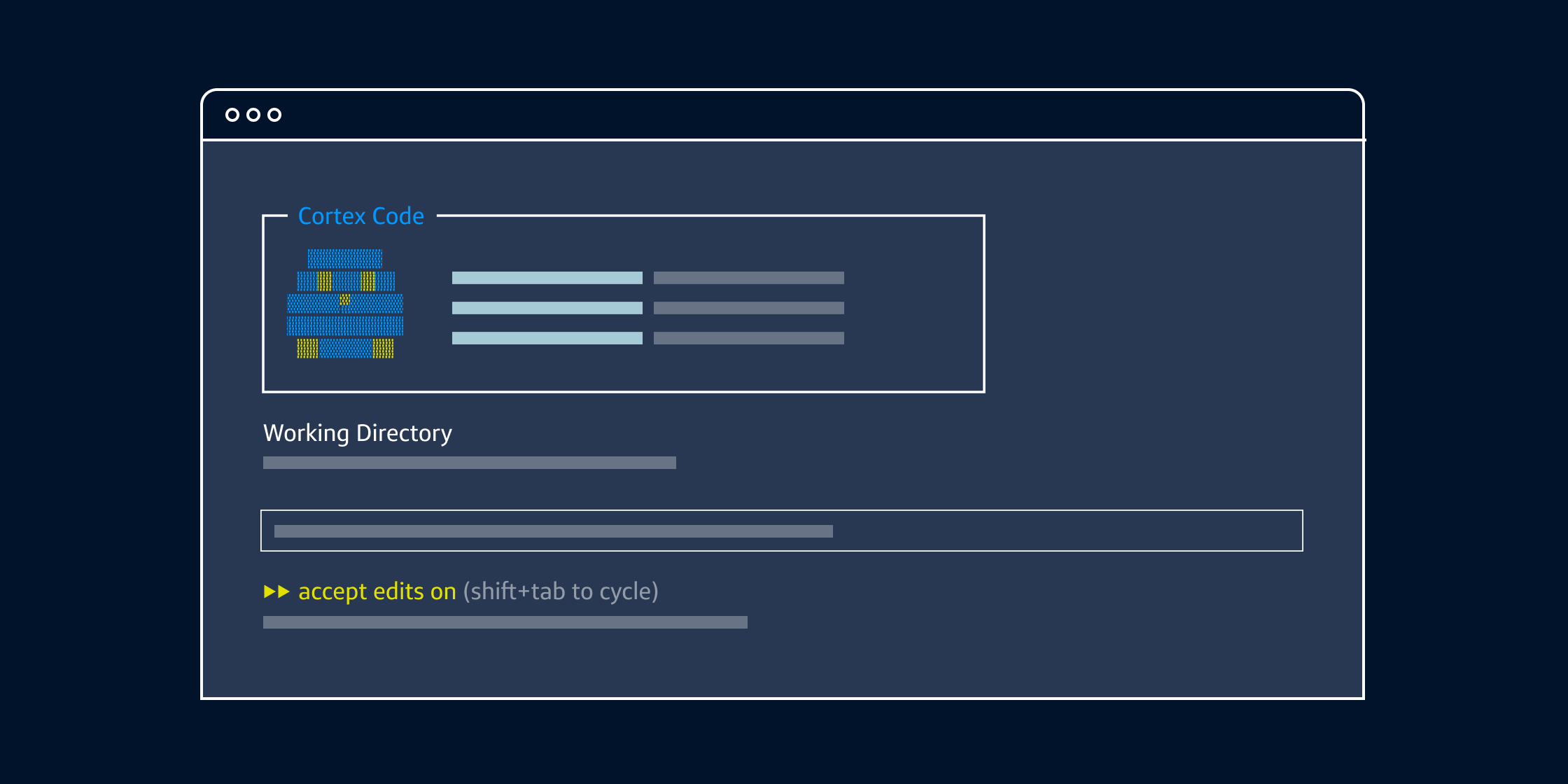
Cortex Code is a coding agent designed to accelerate data engineering, data science and analytics. It understands Snowflake-specific schemas and inherits the same security and governance policies applied to your data on the platform.
It comes in two flavors:
- Cortex Code in Snowsight: A conversational coding agent within the Snowflake UI that uses natural language prompts to write, debug and optimize SQL and Python code.
- Cortex Code CLI: An extension of the same coding agent for power users that is delivered directly in the terminal, with a few added capabilities covered below.
While these are two flavors of the same underlying coding agent, they were designed for different use cases. The Snowsight experience is designed for ad-hoc, zero-setup tasks. Cortex Code CLI, on the other hand, offers continuity, local file access and custom Skills to extend beyond Snowflake to dbt and Airflow. The CLI is offered as a standalone monthly subscription, so you don’t even need to be a Snowflake shop to use it.
We recently put Cortex Code CLI to the ultimate test. We tested it against the massive TPC-DS 10TB benchmark. We hit it with 55.8 billion rows and found that it knows Snowflake. Read our hands-on Cortex Code CLI review for all of our findings.
Snowflake AI services
|
Service |
Value |
|---|---|
|
Snowflake CoWork |
Chat with your data and automate tasks using natural language prompts. |
|
Cortex Agents |
Build agents that can plan, call tools and orchestrate complex pipelines without writing any code. |
|
Cortex Analyst |
Query your structured data in plain English. |
|
Cortex Search |
Get insights from your unstructured data on Snowflake (PDFs, decks, docs, etc.) |
|
Cortex Code |
Supercharge your engineers with a coding agent that knows Snowflake. |
Conclusion
Snowflake is no longer just a place to store data and run workloads. By launching Cortex Analyst that lets business users ask questions of the data, Cortex Search that derives context from unstructured data, Snowflake CoWork that functions as a unified frontend for the business user and Cortex Code to supercharge developers, Snowflake has built a suite of services that empower both business and technical enterprise users.
Tools like Cortex Code act as a true multiplier, allowing for extreme efficiency by automating the "secret menu" of Snowflake. For the business user, the conversational power of Snowflake CoWork and the orchestration of Cortex Agents transform data from a static asset into a thinking partner that can finally answer the "why" behind the "what."
This is the era of the AI data cloud. By lowering the barrier to entry for data analysis and even pipeline creation, Snowflake makes it easier than ever for your organization to act on your data.