Free Databricks workspace health check dashboard
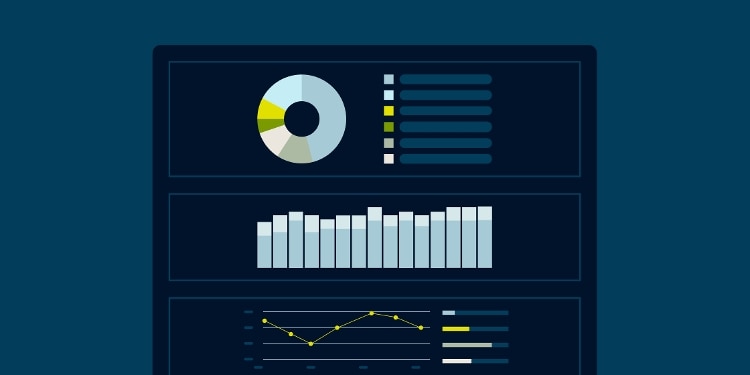
Gain real-time visibility into your Databricks workspace with our Databricks Health Check Dashboard. The dashboard queries system tables to surface opportunities for optimization. It helps you monitor performance, track costs and uncover opportunities to optimize your Databricks usage for efficiency and savings.
- Monitor Databricks performance metrics and cluster usage in real time.
- Identify inefficiencies to optimize Databricks costs and performance.
- Get centralized visibility into Jobs, APC, DBSQL and Lakeflow Declarative Pipelines.
- Gain visibility and insights into Databricks cost management.
Gain Databricks insights into:

Usage
Active cluster count, markets, costly users/jobs and more.

Cost
Compute cost, overprovisioned clusters, APC usage and more.

Performance
Slow queries, notebooks consuming the most DBUs and more.
To use this dashboard, simply:
-
Extract the dashboard JSON file from the download button below
-
Navigate to Databricks → Dashboards
-
Click on the arrow by the Create Dashboard button
-
Choose the Import Dashboard From File option to upload the dashboard file
-
Run the dashboard
Please note that due to variations in Databricks usage, the performance and accuracy of the dashboard may vary. You are free to modify any queries to suit your needs.
Related Insights & Tools