Databricks GenAI cost agent
Turn Databricks System Tables into a knowledge base for an AI agent that answers GenAI cost questions.
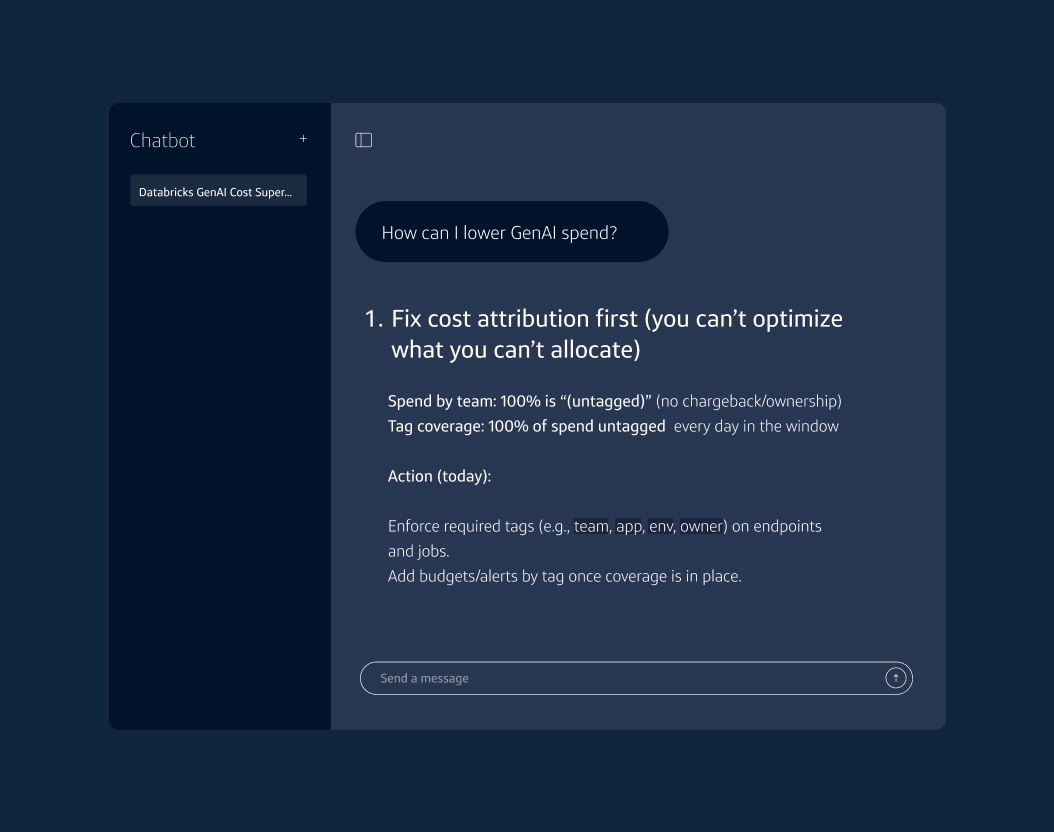
Databricks GenAI cost supervisor agent
Use this notebook to build the knowledge base. It creates a schema, registers 20 Unity Catalog functions and runs tiered smoke tests to validate each function against your actual data.
How to get started:
- Import and run the accompanying notebook. It creates a schema, registers all 20 Unity Catalog (UC) SQL functions with CREATE OR REPLACE FUNCTION and runs tiered smoke tests to validate each function against your actual data.
- Set the following three widgets before running the notebook:
- Catalog: your Unity Catalog name (e.g. main)
- Schema: where to register functions (e.g. genai_supervisor)
- payload_table: inference table path, if you have one (optional)
- Run the notebook.
Related Insights & Tools